Raptor 3D Model, Skins, Rig, and Animation
A raptor I fully designed and created.
Initial blocking, and shapes where created in Maya, then sent to Zbrush for more modeling and detail, then back to Maya for rigging. I originally modeled it, and textured it with mouth closed, so I opened the mouth (and built it) to be able to rig. Then when rigging I added blend shapes that allow it's lips to raise/snarl and lower. All bones and controls were made specifically for this model. The final result is a pose-able, animate-able creature.
See the next part where I created environment, additional assets, and put the raptor into a Unity scene: https://www.artstation.com/artwork/RYkBEy
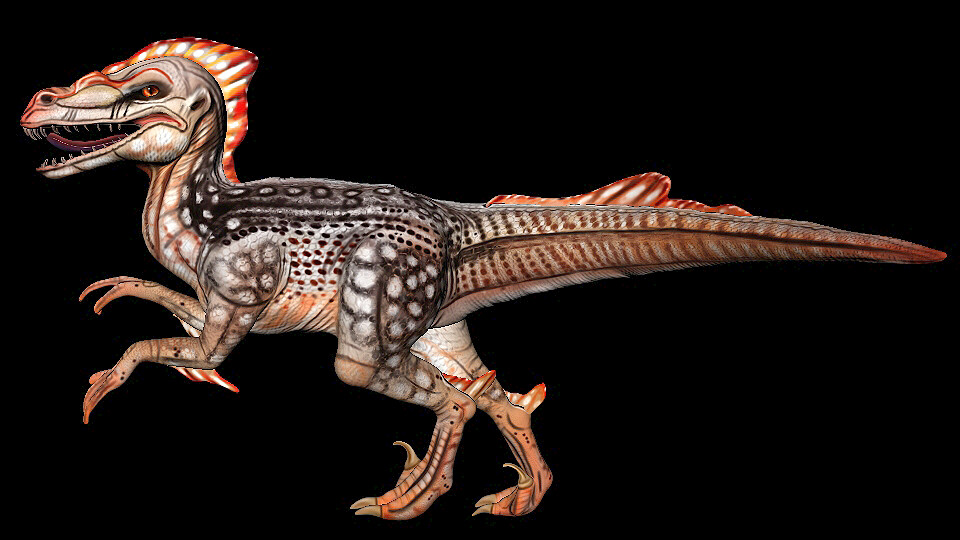
A Simple Posed Render from Maya.

Raptor Sides.

Raptor Skins.

Raptor Sculpted, UV'd, and Retopologized. (Uv Islands split into the different colors, there are also sepparate Uvs for the fins, teeth, each eye, and tongue.)
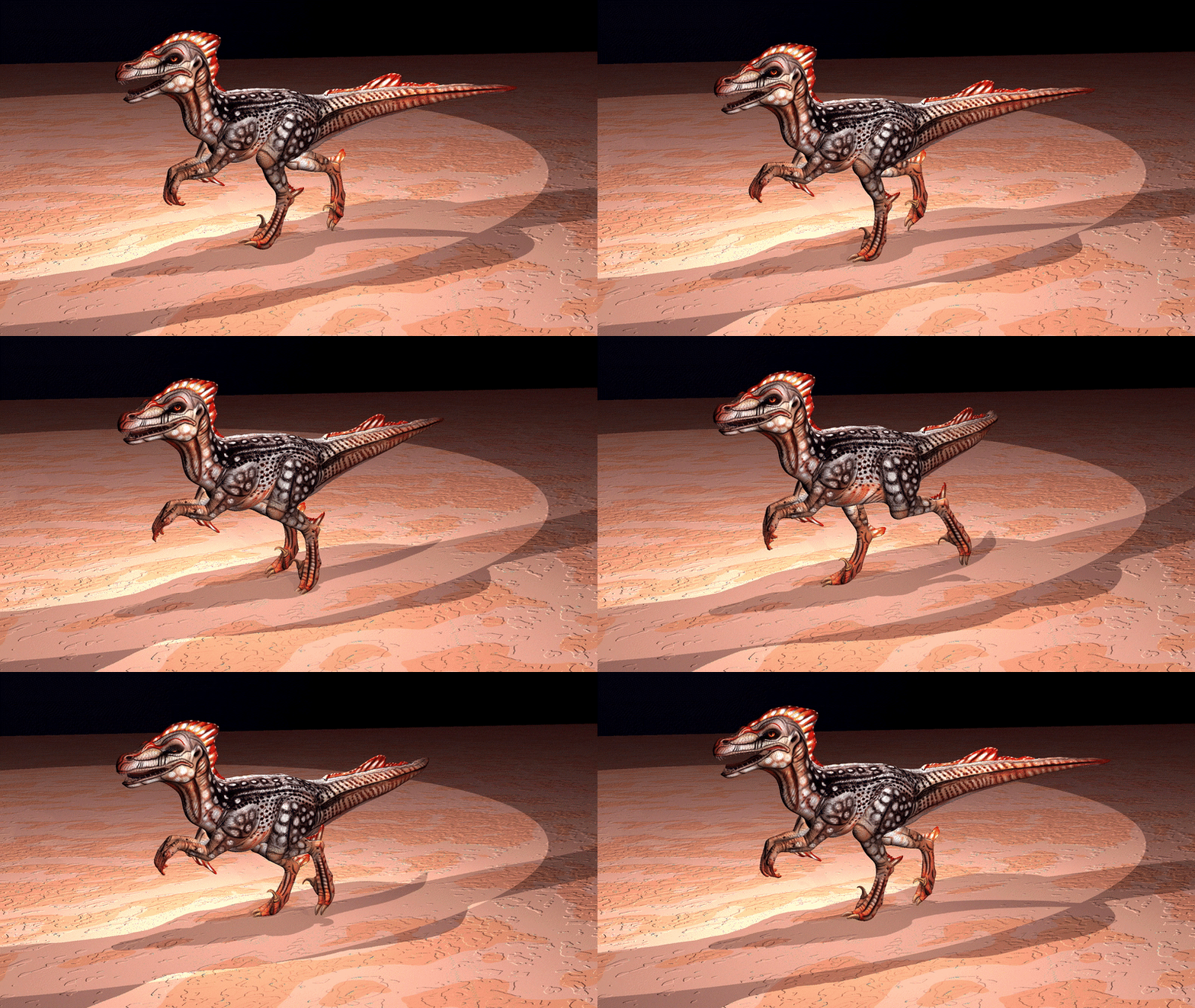
Run Cycle.

Walk Cycle.
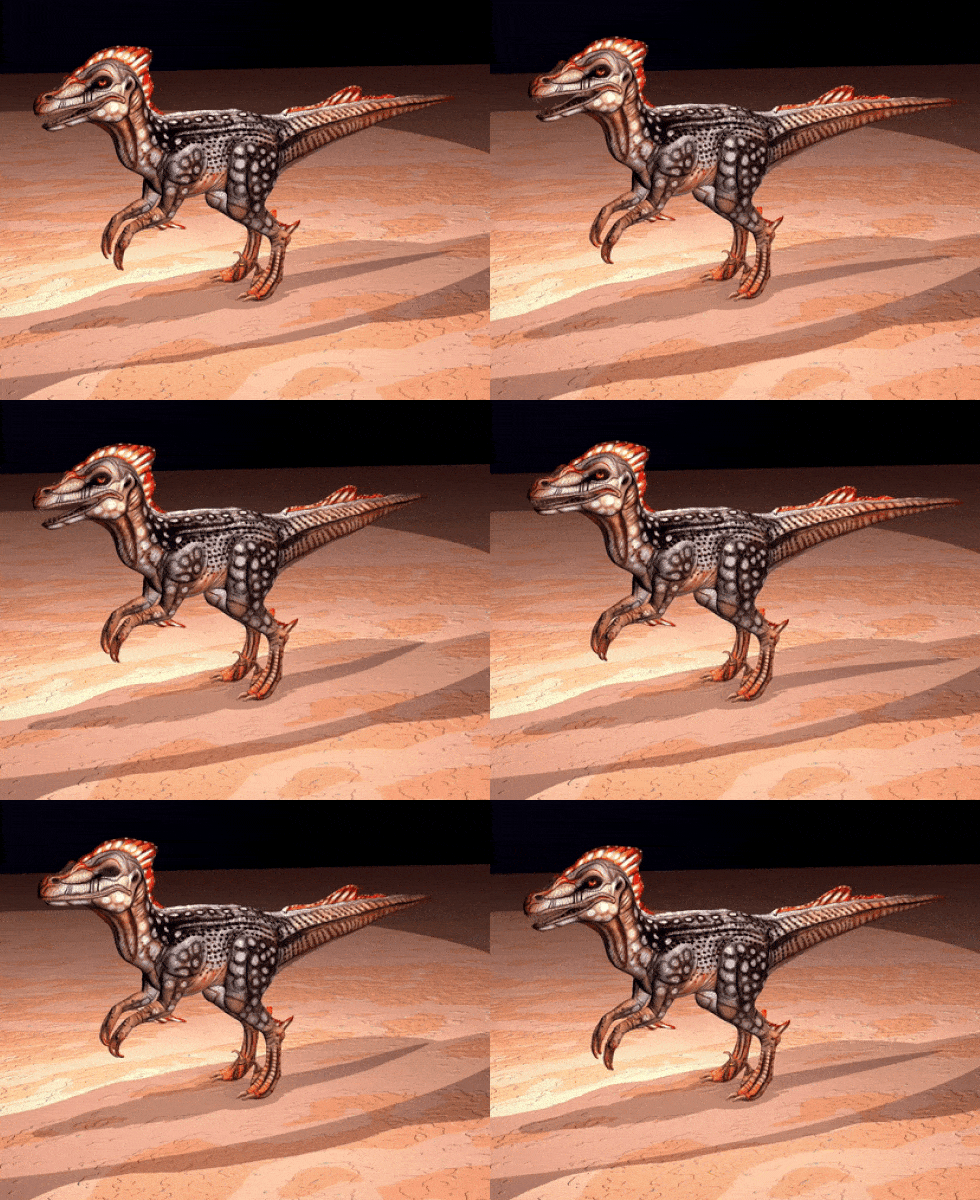
Idle.
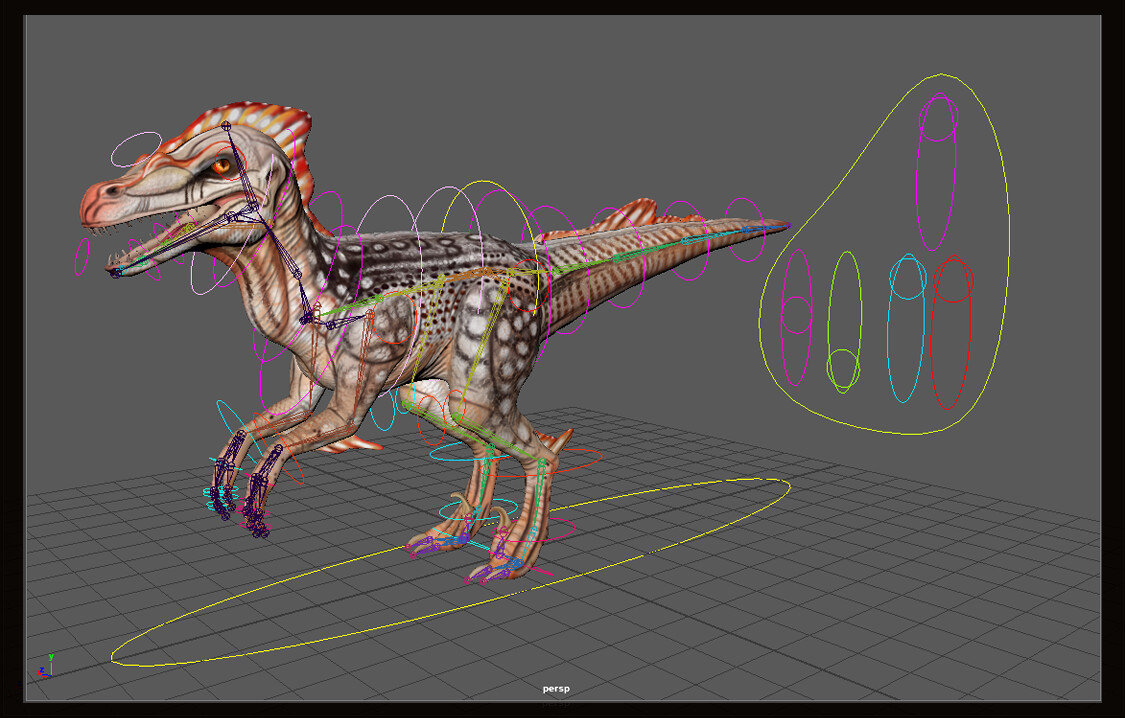
Rig Maya Screenshot. The Panel on the right shows controls attached to blendshapes for snarl, breathing, and eye blinks (sepparate and together). All controls are color coded: Red = Left, Blue = Right, Pink/Purple = Center, Yellow/Green = Center/Gravity